TECH & FEATURES GUIDE
Welcome tothe ST PRO.
Get ready to see your game in a different way. Watch the walkthrough video, explore the touchscreen and learn what every number means.
GET TO KNOW YOUR PRO
Built for every swing.

- 20+ DATA POINTS
- 5.5" COLOR TOUCHSCREEN
- 6 HRS BATTERY LIFE
- IN / OUT ANY LIGHTING
YOUR TOUCHSCREEN, YOUR WAY
Color or grey mode.
Pick the screen style that suits your space and lighting. Drag the slider to compare the full-color display with grey mode.


- Color modeView shot data and play virtual courses in vivid, high-definition color. The detailed visuals create a more immersive experience.
- Grey modeOptimized for direct sunlight and bright indoor lighting, grey mode helps keep your shot data clear and easy to read. Its monochrome display prioritizes visibility.
KNOW YOUR NUMBERS
What every number means.
ST PRO measures the ball flight and club delivery numbers, updated in real-time, right on your touchscreen. No club stickers required. Step through the key metrics below.
Ball Speed
The speed of the golf ball immediately after it leaves the clubface, typically measured in mph. Ball speed is one of the biggest contributors to distance and is influenced by club speed, impact location, and strike efficiency. More ball speed generally means more distance.
Launch Angle
The vertical angle at which the ball launches relative to the ground. Launch angle works together with ball speed and backspin to determine trajectory and carry distance. Optimizing launch angle can help maximize distance with longer clubs and improve stopping power with irons.
Club Speed
The speed at which the clubhead is traveling at impact, typically measured in mph. Club Speed establishes your potential to generate ball speed and distance, but faster speed must be paired with solid contact to be effective. Swing mechanics, physical ability, and properly fitted equipment can all influence Club Speed.
Smash Factor
A measurement of how efficiently Club Speed is converted into Ball Speed, calculated by dividing Ball Speed by Club Speed. A higher Smash Factor generally indicates a more efficient strike and better energy transfer. With a driver, a Smash Factor around 1.50 represents highly efficient contact.
Backspin
The rate at which the ball rotates backward after impact, measured in RPM. Backspin helps keep the ball in the air and influences trajectory, carry distance, and stopping power. Too much or too little spin can reduce distance, making the ideal amount dependent on the club, speed, and shot.
Descent Angle
The angle at which the ball is traveling downward as it lands. A steeper descent angle helps the ball stop more quickly on the green, while a shallower descent can create more bounce and rollout. It’s especially useful for evaluating whether iron shots have enough stopping power.
Club Path
The horizontal direction the clubhead is traveling relative to the target line at impact. A path traveling to the right of the target is considered in-to-out for a right-handed golfer, while a path traveling left is out-to-in. Club Path works closely with face angle to determine shot shape and curvature.
Face-to-Path
The difference between the direction of the clubface and the club’s path at impact. It is one of the biggest factors determining the direction and amount a shot curves. For a right-handed golfer, a face closed to the path generally promotes draw curvature, while a face open to the path promotes fade curvature.
Face-to-Target
The direction the clubface is pointing relative to the target line at impact. Because the clubface has a major influence on the ball’s initial direction, Face-to-Target helps explain why a shot starts left or right. Combined with Club Path and Face-to-Path, it provides a clearer picture of overall ball flight.
Side Angle
The horizontal angle at which the ball initially launches relative to the target line. It tells you whether the shot starts left or right and is influenced primarily by where the clubface is pointing at impact. Combined with curvature, Side Angle helps determine where the ball ultimately finishes.
Side Spin / Spin Axis
Spin Axis describes the tilt of the ball’s rotation, which determines the direction and amount the ball curves during flight. A tilted spin axis causes the ball to curve left or right, while an axis closer to neutral produces a straighter flight. Club Path, face angle, and impact location can all influence Spin Axis.
Carry Distance
The distance the golf ball travels through the air from impact until it first lands. Carry Distance is influenced by Ball Speed, Launch Angle, Backspin, and overall trajectory. Unlike total distance, carry does not include the amount the ball bounces or rolls after landing.
Angle of Attack
The vertical direction the clubhead is moving as it strikes the ball. A positive Angle of Attack means the club is traveling upward, while a negative angle means it is traveling downward. Angle of Attack influences launch, spin, strike quality, and distance and can vary significantly depending on the club being used.
Impact Location
The exact point on the clubface where the golf ball makes contact. Centered contact generally produces the most efficient and predictable results, while off-center strikes can change Ball Speed, launch, spin, and direction. Tracking Impact Location can help identify strike patterns and improve consistency.
Horizontal Impact Location
The location of impact across the clubface from heel to toe. Heel and toe strikes can reduce Ball Speed and alter Spin Axis, causing shots to curve differently even when the swing is similar. Understanding horizontal strike patterns can help diagnose both swing and equipment issues.
Vertical Impact Location
The location of impact on the clubface from the bottom to the top of the face. High and low strikes can significantly change launch, spin, Ball Speed, and overall trajectory, particularly with the driver. Consistent vertical contact is important for producing predictable distance and flight.
CUSTOMIZE YOUR TOUCHSCREEN
Your data. Your way.
High-visibility shot results at your fingertips, fully customizable so you see the data that matters. Try it: build your own screen.
- 01Choose a tile layout TILES
- 02Tap a tile on the screen, then tap each metric you want to see displayed on your screen
- 03From your device, tap into a tile to see a more in-depth read
Interactive preview. Readings shown are examples.
Built for every way you play
ON-DEVICE SKILLS TRAINING
Skills Training modes are built right into your ST PRO. Open them from the touchscreen and start a session at the range. No app, phone or computer needed.
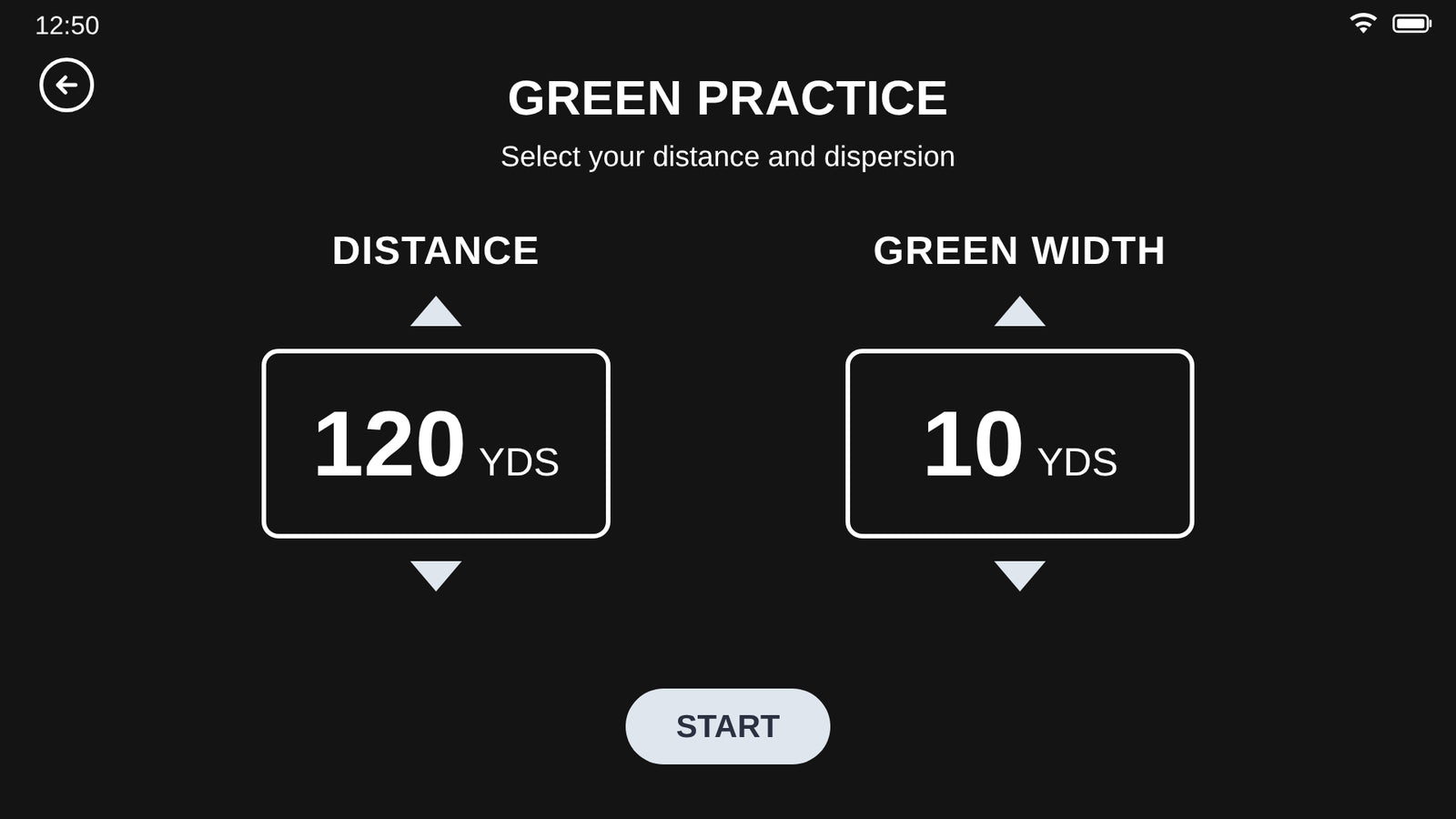
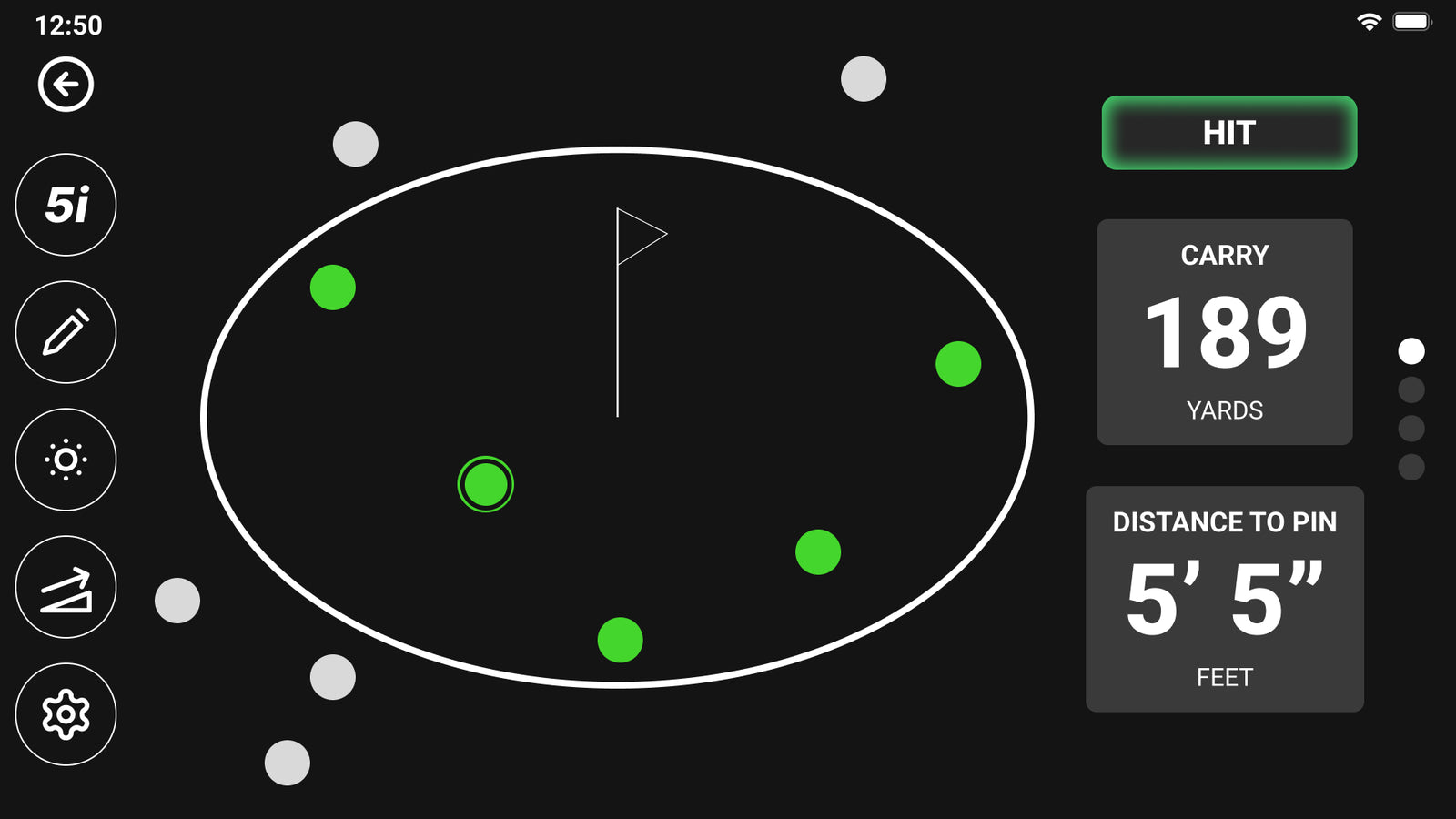
Pick your distance and green width, then hit to the pin. Every shot lands on the green so you see your dispersion, with carry and distance to pin after each swing.
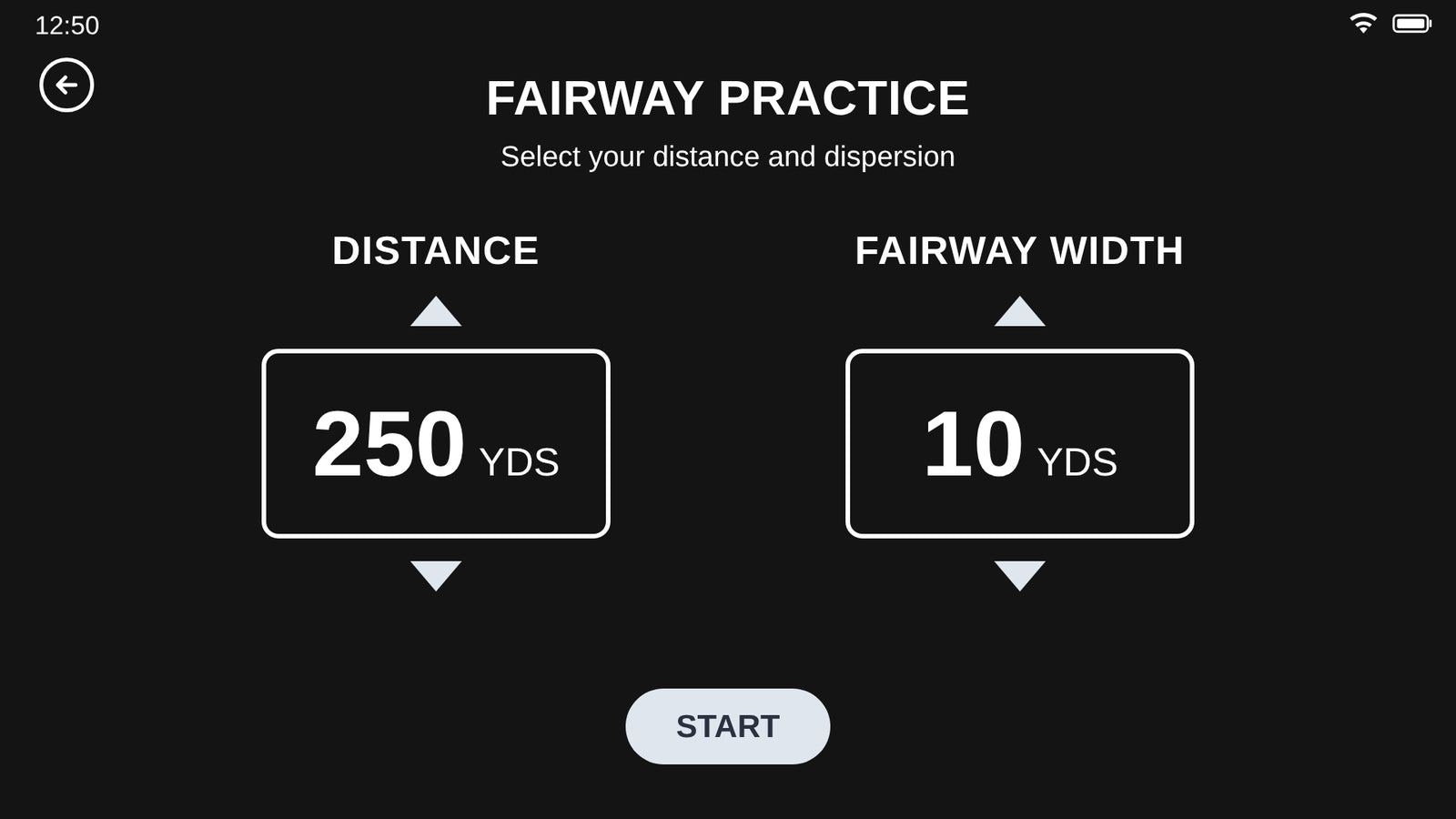
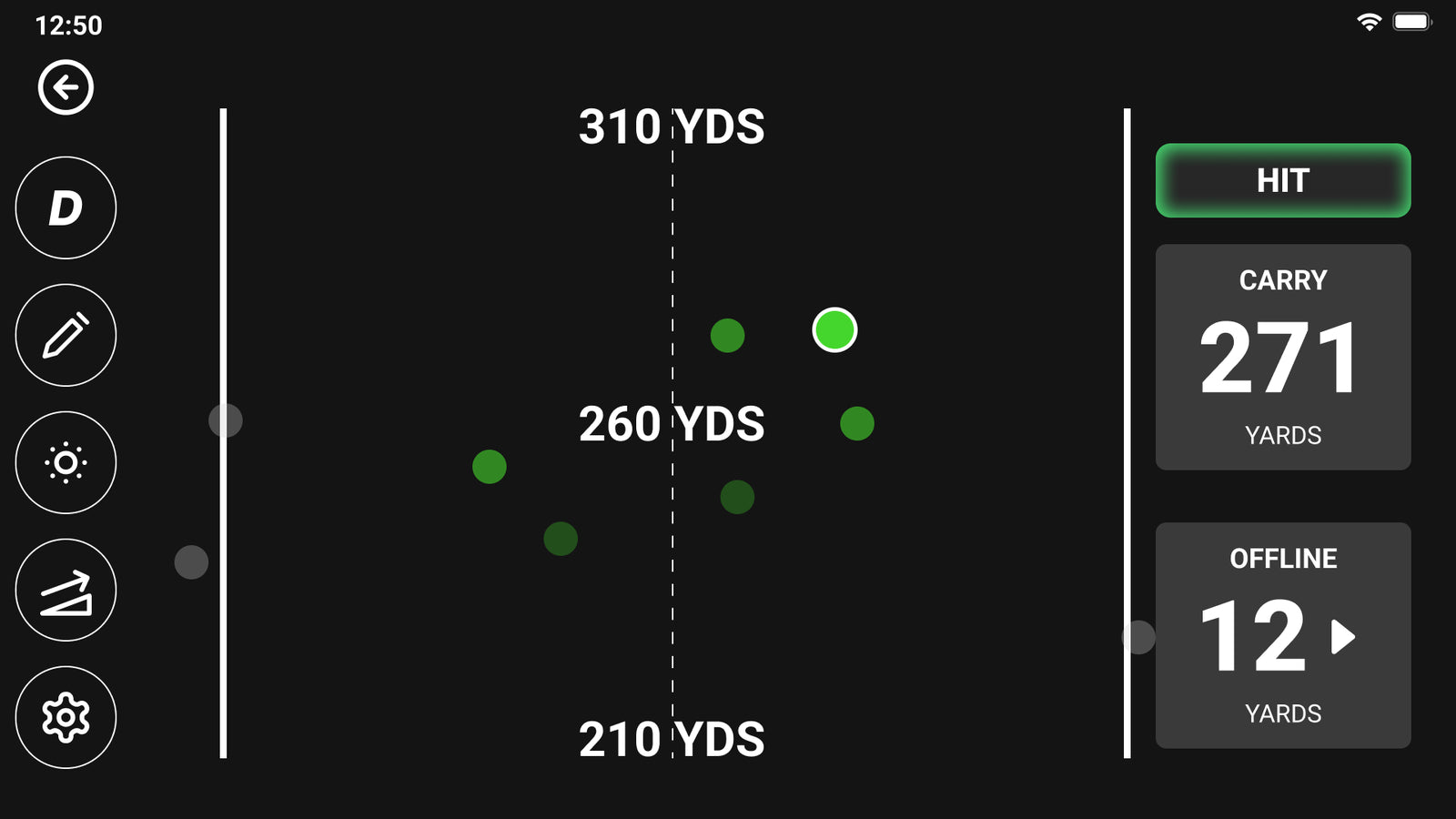
Set a target distance and fairway width, then see where each drive finishes between the lines, with carry and offline yards for every shot.
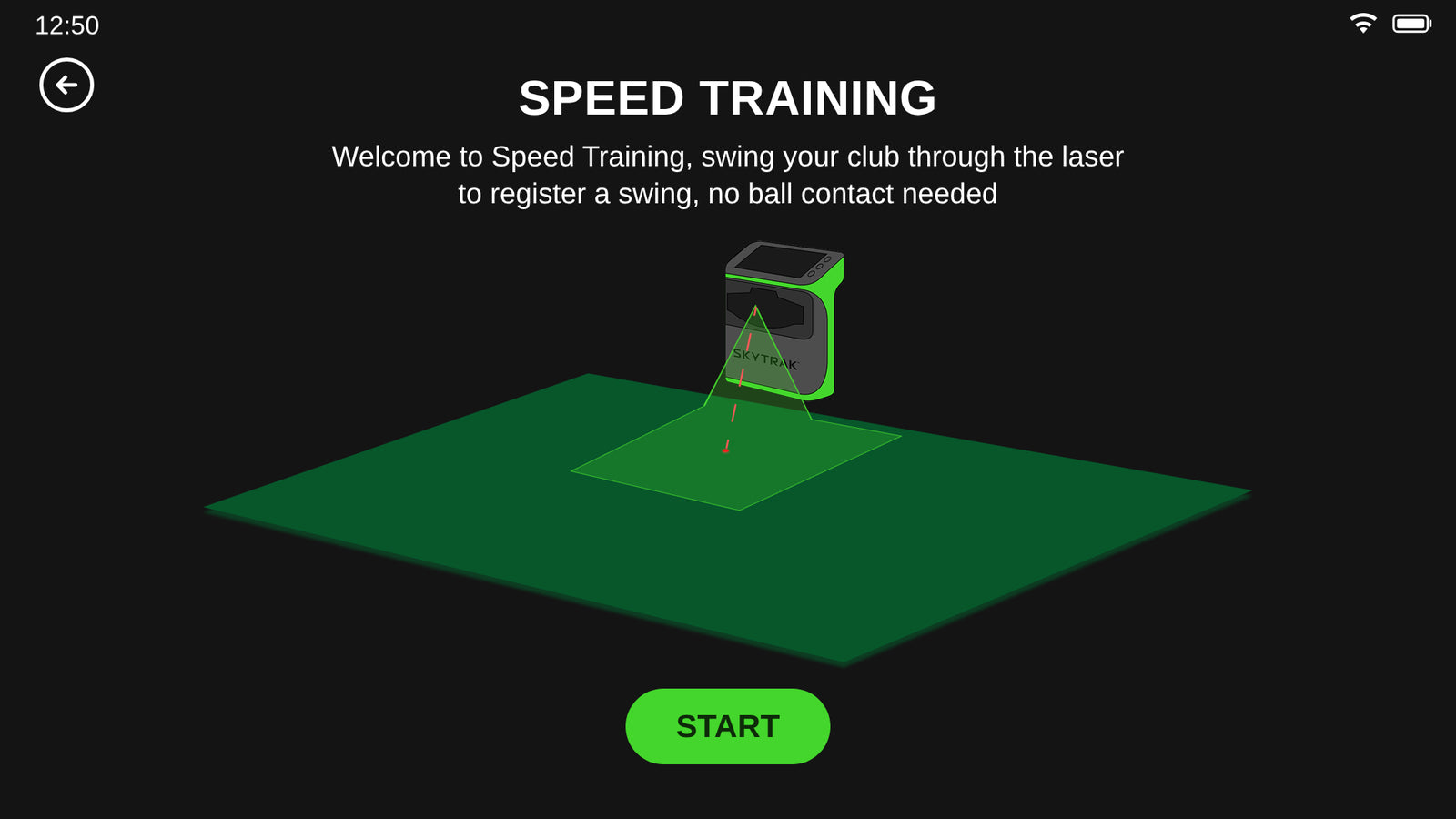
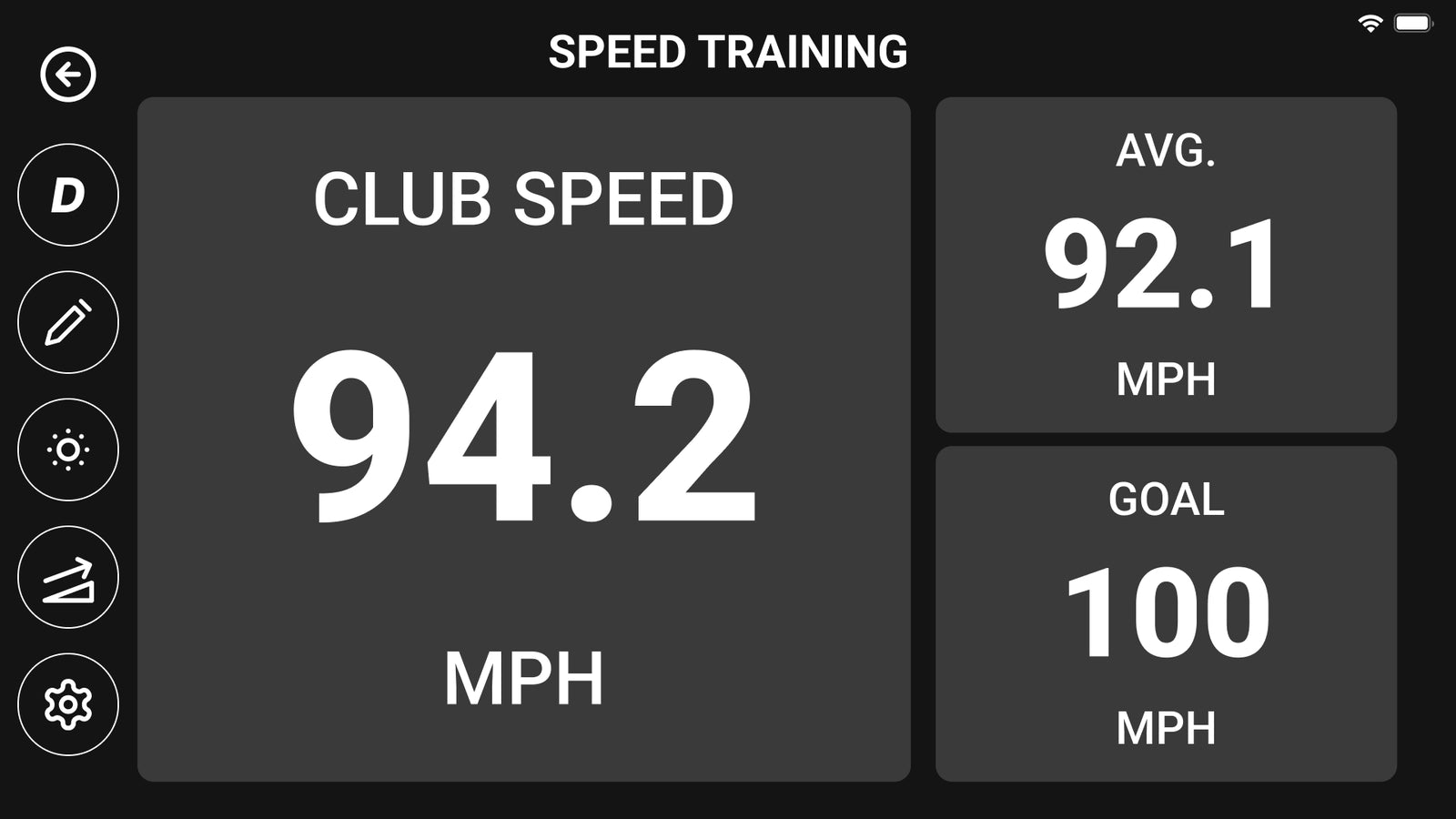
Swing your club through the laser to register a swing. No ball needed. Track your club speed, your average and your goal as you build speed.