

From Augusta to Your Home: Lessons from the Masters Telecast for SKYTRAK Users
The modern Masters telecast is drowning in data. Ball speed, launch angle, spin rate, apex height, carry distance—the same numbers your launch monitor spits out after every swing in your garage. The difference is that during Masters week, those numbers belong to the best players on the planet, hitting shots under conditions that would make most of us forget our own name. And if you have a simulator at home—whether it's a SkyTrak, a Trackman, a Foresight, or anything with a screen and a sensor—that data is more useful to you than another hour of highlight reels.
The Telecast Is a Free Masterclass in Shot Data
Augusta National's broadcast team—along with the Masters' own digital platform—now shows real-time ball-flight metrics on a majority of shots. The featured-group streams on Masters.com display launch angle, ball speed, spin, carry and total distance, apex height, and curve. It's essentially the same readout you'd see on an ST MAX or a Trackman unit, except the person swinging is Scottie Scheffler.
The instinct is to watch and marvel. Resist, or at least split your time. Watch and compare.
When you see a tour player launch a 7-iron at 174 yards carry with 7,200 rpm of backspin and a 32-degree launch angle, write that down. Not because you're going to replicate those numbers—you almost certainly won't—but because the relationships between those numbers are universal. A 7-iron that launches at 32 degrees with that spin rate is going to land soft and hold a green. Your 7-iron, which might carry 152 yards, needs proportionally similar spin and launch characteristics to do the same thing.
That's the insight most TV viewers miss entirely. It's like watching a cooking show and only admiring the finished plate—ignoring the oven temperatures and timing that actually make the dish work.
Three Things to Track During Any Tour Broadcast
You don't need a notebook and a statistics degree. You need three data points, and you need to pay attention to when and why the broadcasters bring them up.
1. Spin Rate on Approach Shots
Tour players generate between 6,000 and 9,000 rpm of backspin with their scoring irons—the 7-iron through pitching wedge range. That's what produces the shots that check and release predictably. On your simulator, open your shot history and look at your spin numbers with the same clubs. If you're consistently below 5,000 rpm on a 9-iron, you're likely hitting down too steeply or making contact too high on the face. A launch monitor won't lie to you about this—and neither will the comparison.
SkyTrak's photometric camera system measures spin with enough precision to make this comparison meaningful. The ST MAX pairs that camera with dual Doppler radar for club data, so you can see the relationship between your angle of attack and your spin output. Foresight's GCQuad uses a similar quadrascopic camera system. Trackman's radar does it differently—tracking the ball in flight—but arrives at comparable spin data. The point isn't which box you own. The point is that you're using the data, not just watching the ball fly into a net.
2. Carry Distance vs. Total Distance
From Augusta to Your Home: Lessons from the Masters Telecast for SKYTRAK Users
The Masters broadcast separates these numbers, and the gap between them tells you everything about how the course is playing. When carry and total are close together—say, 298 carry and 305 total on a drive—the fairways are soft and receptive. When the gap is 20-plus yards, the course is firm and fast, and the players are adjusting their strategy accordingly.
On your simulator, this same relationship reveals something about your ball flight. A high-spin driver shot with a steep descent angle will have a small carry-to-total gap because the ball is landing almost vertically. A well-optimized drive—lower spin, flatter descent—rolls out more. If you're playing a Course Play round on Pebble Beach or St Andrews and the conditions are firm, you want the shot that releases. Pull up your session data and look at the gap. It's a window into whether your launch conditions are helping or hurting you.
3. Shot Shape Under Pressure
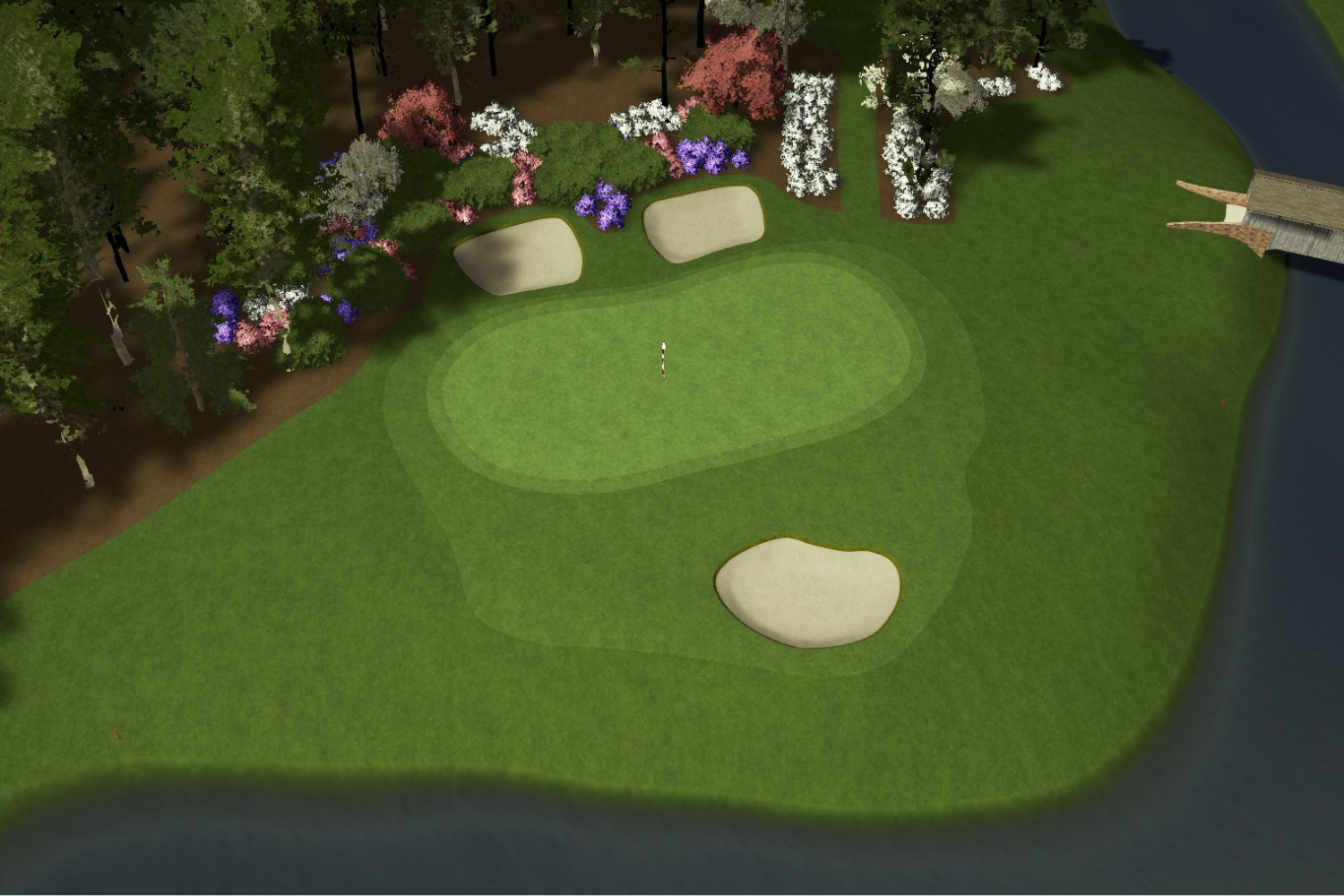
Watch what the best players do on the tee at Augusta's 13th hole—a 510-yard par-5 that bends hard left through the trees. Almost every contender hits a draw. Now watch the 18th, a dogleg right. Many of those same players switch to a fade. The ability to shape the ball on demand—and the willingness to commit to a shape and trust it—is what separates tour golf from the rest of us.
Here's where your simulator becomes a laboratory. Pick a hole on Course Play that demands a specific shape. Then hit 10 drives trying to produce it. Check your club path and face angle data afterward. On a SkyTrak ST MAX, those numbers show up alongside ball flight. On a Trackman, you'll see them mapped on a top-down view. The combination of face angle relative to path is what determines curve—the face accounts for roughly 75 to 80 percent of the ball's starting direction, and the path creates the spin axis that makes it bend.
You don't need to hit Bubba Watson's 50-yard hook. You need to understand which way your ball wants to go and learn to use that tendency strategically, the same way the guys at Augusta do.
Build a Masters Week Practice Plan
The best thing about the Masters always landing during prime simulator season is that you can watch a session, then walk into your sim room and immediately apply what you saw. Here's a simple framework for the four days:
Thursday (First Round): Watch how players manage the par-5s and note their layup distances and wedge spin numbers. Then play the same holes on Course Play and compare your approach numbers.
Friday (Second Round): Focus on the par-3s—specifically the club selections and the launch angles. Augusta's par-3s demand precise carry distances. Practice hitting to specific carry targets on your simulator—not "I hit my 8-iron 155"—but "I need 158 carry with a high, soft landing."
Saturday (Moving Day): Pay attention to recovery shots and course management. When a player misses a green, watch where they miss. Almost always, they miss on the safe side. Play a sim round where your only goal is eliminating one side of the hole.
Sunday (Final Round): This is pressure golf. Play a sim round where every shot counts—no mulligans, no re-dos. Track your stats and see how your spin, carry, and dispersion change when you're actually trying to post a score versus just hitting balls.
The Data Doesn't Care What's on the Label
Yes, this is a post on SkyTrak's site—and I think the ST MAX—with its combined radar and photometric system—gives you a remarkable amount of data for $2,995. But the lesson here isn't about which launch monitor you own. The lesson is that the same data the Masters broadcasts to 40 million viewers is sitting in your simulator software after every session. Most people ignore it the way I used to ignore the numbers on a telecast—background noise behind the spectacle.
Trackman's $25,000 unit will give you tour-level club and ball data. Foresight's GC3 and GCQuad are the standard on many professional fitting carts for a reason. The Garmin Approach R10 puts basic launch data in your pocket for under $600. They all measure some version of the same physics. The question isn't what you have. The question is whether you're paying attention to what it tells you.
Frequently Asked Questions
Can I actually improve my golf game by watching tour telecasts?
Yes—if you watch with intention. Tour broadcasts now show the same ball-flight data (spin rate, launch angle, carry distance) that your launch monitor captures. By comparing tour numbers to your own, you can identify specific gaps in your game—like spin rate on approach shots or carry distance consistency—and build targeted practice sessions around them.
What launch monitor data should I pay attention to during a golf broadcast?
Focus on three metrics: spin rate on approach shots (tour players typically generate 6,000–9,000 rpm with scoring irons), the gap between carry and total distance (which reveals launch optimization), and club path and face angle on shaped shots. These same numbers appear in your SkyTrak, Trackman, or Foresight session data.
Do I need an expensive launch monitor to use telecast data for practice?
No. Any launch monitor that measures spin rate, launch angle, and carry distance gives you enough data to make meaningful comparisons. Units ranging from the Garmin Approach R10 (under $600) to the SkyTrak+ ($2,499) to professional-grade systems like Trackman and Foresight GCQuad all capture the core metrics. The key is reviewing your data, not just hitting balls.
How accurate is SkyTrak compared to Trackman or Foresight for tracking spin?
SkyTrak's photometric camera system measures ball data—including spin—with precision that holds up well against more expensive units in independent testing. The ST MAX adds dual Doppler radar for club data (path, face angle, attack angle), bridging the gap to studio-grade systems. Trackman uses radar to track the ball in flight; Foresight uses high-speed cameras at impact. Each approach has strengths, but all three deliver spin data accurate enough for meaningful practice.
What's the best way to practice on a simulator during Masters week?
Match your practice to the broadcast. Watch Thursday's telecast and note the data on par-5 approach shots, then replicate those scenarios on your simulator. Use Course Play to practice specific shot shapes, carry targets, and course-management decisions. The goal is turning passive viewing into active, data-driven practice with specific targets for every shot.
Explore the complete SkyTrak lineup—including the ST MAX with dual Doppler radar and photometric accuracy—at skytrakgolf.com.


Leave a comment
All comments are moderated before being published.
This site is protected by hCaptcha and the hCaptcha Privacy Policy and Terms of Service apply.